Building PDFCharm: A Privacy-First PDF Editor That Never Sees Your Files
Every time I needed to sign a PDF or merge a couple of documents, I’d end up on one of those free PDF sites. You know the ones — upload your file, wait, download a watermarked result, then get three emails about a premium plan.
The worst part wasn’t the upsell.
It was the fact that I’d just sent a bank statement or a contract to some random server.
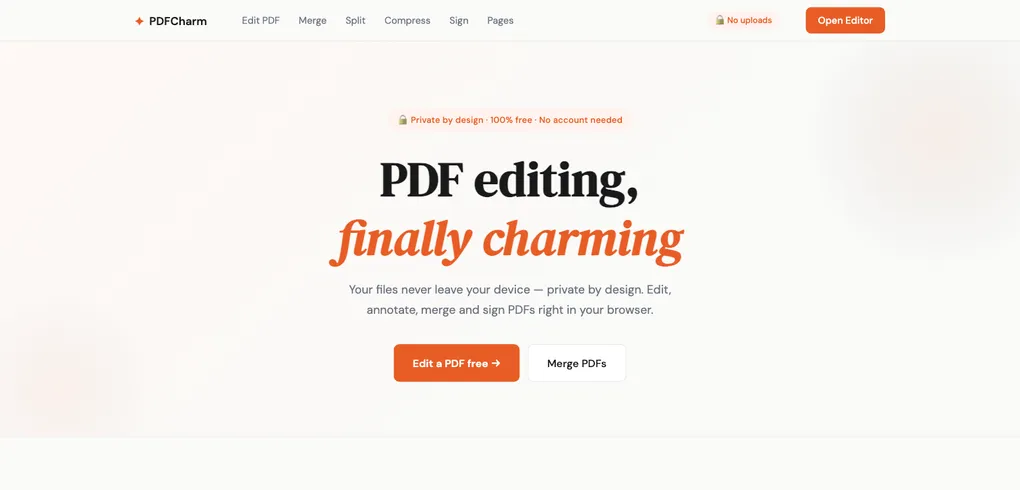
I figured: browsers are powerful enough to handle this locally. So I built PDFCharm — a free, browser-based PDF suite where your files never leave your device.
The Privacy Problem #
PDFs carry some of the most sensitive content people handle day-to-day: tax returns, contracts, medical records, legal documents. Yet the default workflow for editing them is to upload these files to a third-party server, trust that they’re deleted after processing, and hope the privacy policy actually means something.
The alternative is surprisingly simple: do everything in the browser.
Modern web APIs — Canvas, Web Workers, ArrayBuffer, Blob — give us everything we need to render, manipulate, and export PDFs without a single byte leaving the user’s machine. That became PDFCharm’s core principle:
Your files never leave your device. No accounts, no watermarks, no file-size limits, no server processing.
You open the site, pick a tool, drop your file, and everything happens locally.
The Architecture: Overlay and Flatten #
Here’s the thing about PDFs: they’re a presentation format, not an editing format.
A PDF describes where to draw glyphs and shapes on a page. There’s no concept of “paragraphs” or “text boxes” you can click into. Trying to edit PDFs directly leads to font embedding nightmares, text reflow issues, and broken scanned documents.
So instead of fighting the format, I used a two-layer approach:
- PDF.js (Mozilla’s PDF engine) renders the original document onto a read-only background canvas
- Fabric.js provides an interactive overlay where users add text, shapes, drawings, and highlights
- pdf-lib flattens everything back into a valid PDF on export
The user sees a single seamless canvas. Under the hood, there are two distinct layers working together.
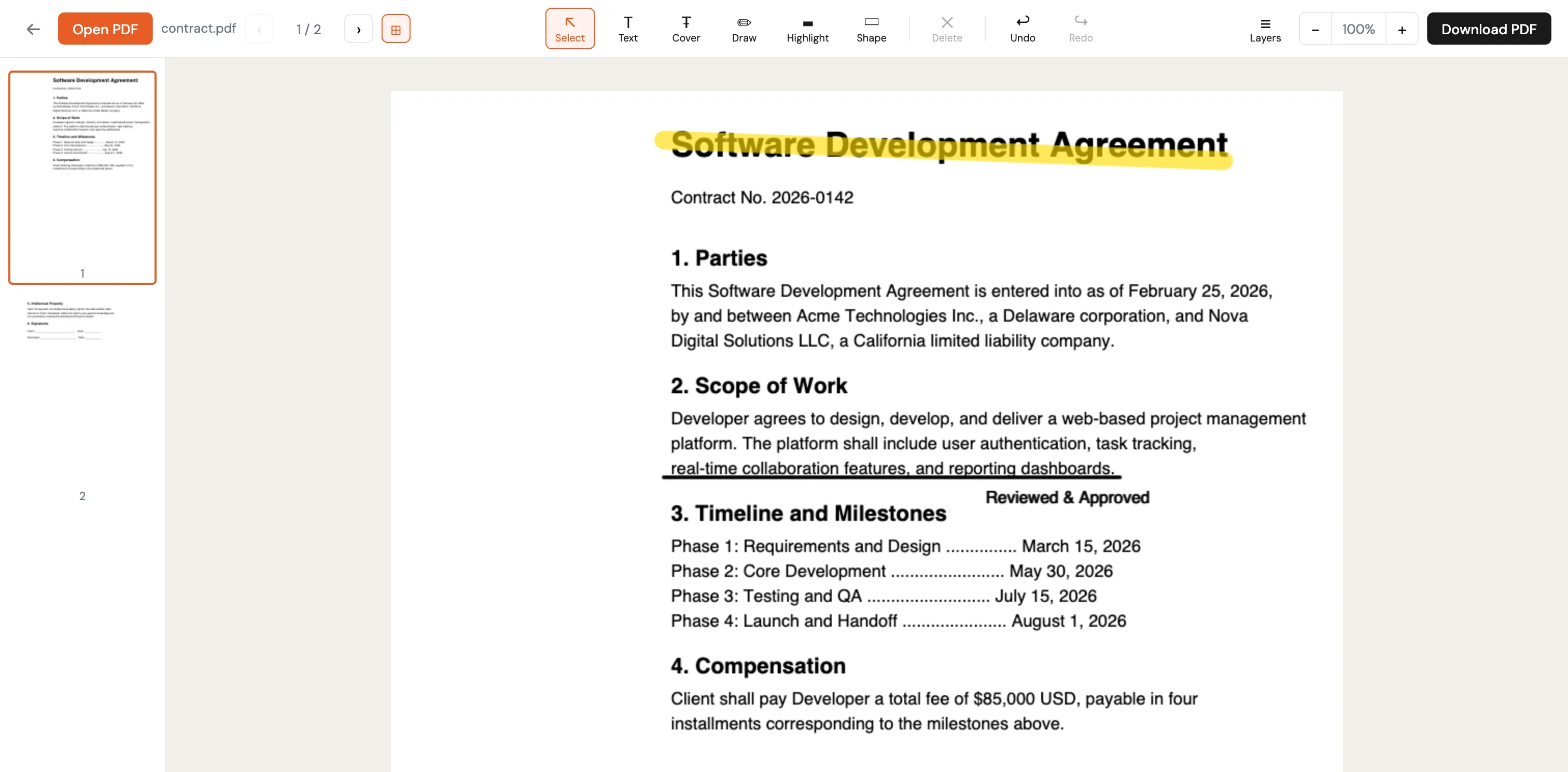
The key insight: don’t try to edit the PDF. Treat it as a read-only background, composite edits on top, and flatten on export. This works with every PDF — including scanned documents that have no extractable text at all.
There’s a deliberate trade-off: annotations become part of the page image and aren’t re-editable in the exported PDF. But this sidesteps an entire class of problems — font encoding, glyph substitution, RTL support — that would otherwise make client-side editing fragile or impossible.
Making React and Canvas Coexist #
One of the more interesting challenges was getting React and Fabric.js to coexist without stepping on each other.
Fabric.js is inherently imperative. It creates canvas elements, attaches event listeners, and maintains internal state — all things React also wants to control. Letting both fight over the same DOM is a recipe for subtle bugs.
The solution was a clean boundary: React renders a container div, and Fabric owns everything inside it. React never touches the canvas elements. Fabric never touches anything outside its container. A ref bridges the two worlds.
This pattern — carving out an imperative island inside a declarative UI — turned out to be the key to avoiding an entire class of bugs. Any time you need to integrate a library that wants to manage its own DOM (charting libraries, map renderers, canvas tools), this boundary approach works well.
The Tool Suite #
The editor is the flagship feature, but PDFCharm includes five more tools. All client-side, all using pdf-lib as the backbone.
Merge #
Drop multiple files, drag to reorder, download a single combined PDF. Under the hood, pdf-lib copies pages from each source document into a new one.
Split #
Three modes: extract a page range (like “1-3, 5, 7-10”), split every N pages, or manually select pages with checkboxes. A preview shows what files will be created before you commit.
Sign #
Draw a signature freehand or type one (rendered with a handwriting font). Click anywhere on the document to place it, then drag and resize.
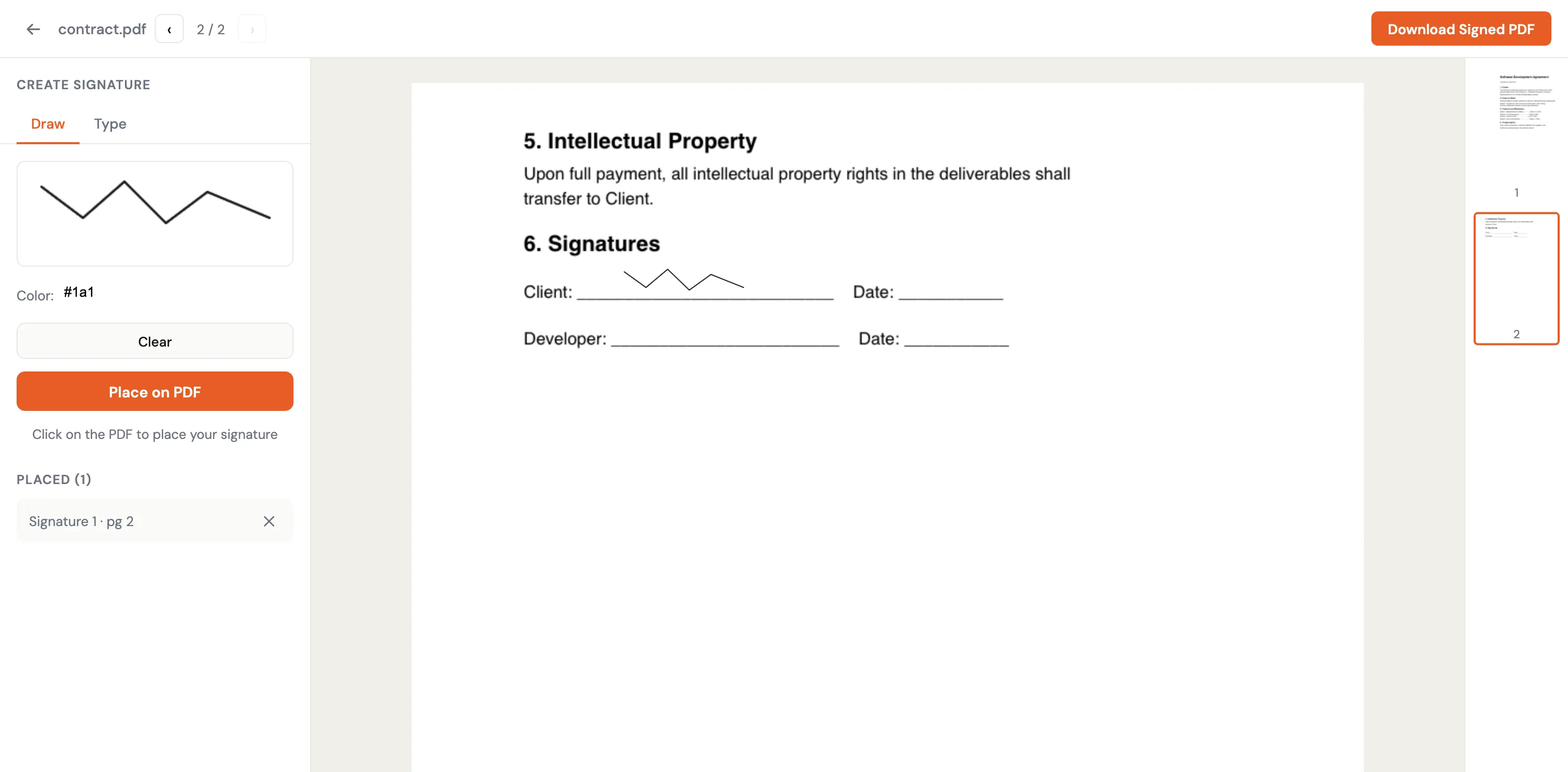
The interesting part here was dealing with coordinate systems — PDF coordinates start at the bottom-left (y=0 is the bottom of the page), while canvas coordinates start at the top-left. Every signature placement requires a Y-axis flip on export.
The kind of thing that takes an embarrassing amount of time to debug the first time you encounter it.
Compress #
Client-side compression has real limits. Without server-side tools like Ghostscript, you can’t do image downsampling or font subsetting. But pdf-lib can reorganize the internal PDF structure using object streams, which typically saves 10-30%.
It’s not going to turn a 50MB scan into a 2MB file, but for documents bloated by inefficient encoding, it makes a meaningful difference — and it happens instantly with zero privacy cost.
Manage Pages #
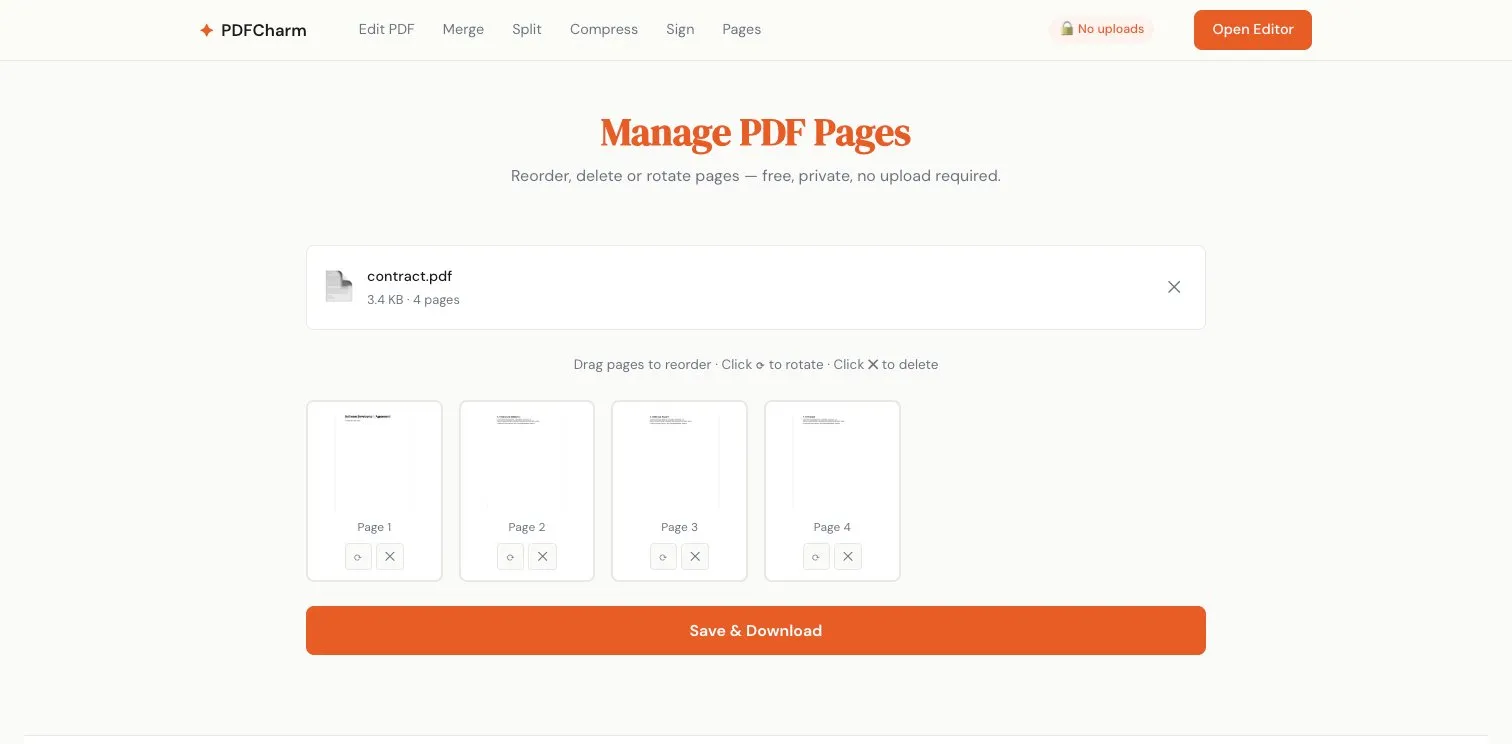
Drag-and-drop reordering, rotation, and deletion with thumbnail previews. Simple in concept, but the page thumbnails required rendering every page at low resolution with PDF.js — all asynchronous, all without blocking the UI.
Deploying Without a Server #
Since everything runs client-side, the deployment story is beautifully simple.
Next.js builds the entire app as static HTML/JS/CSS with output: 'export'. Cloudflare Pages serves it from its edge CDN. That’s it.
No backend. No API. No database. No cold starts. No server costs.
The entire app loads and never phones home. From a privacy standpoint, this is the strongest possible guarantee: there’s no server that could see your files, even if someone wanted it to.
Heavy dependencies (PDF.js, Fabric.js, pdf-lib) are dynamically imported — they only load when the user actually opens a tool. The homepage is lightweight; the heavy lifting only happens when needed.
I also added a bundle size checker in CI: 8MB total limit, 3MB per chunk. PDF libraries are large, and it’s caught accidental bloat more than once.
What I Learned #
1. Client-side PDF processing is more capable than you’d think #
The combination of PDF.js (rendering), Fabric.js (interaction), and pdf-lib (generation) covers a surprisingly wide range of use cases. You don’t need a server for most common PDF operations — editing, merging, splitting, signing, basic compression, page management.
The boundary is compute-heavy tasks like OCR, aggressive image compression, and format conversion. Those still need a backend.
2. The “overlay and flatten” pattern is underrated #
Instead of trying to parse and modify PDF internals (which is fragile and complex), treating the PDF as a read-only background and compositing edits on top is simpler, more robust, and works universally.
This pattern applies beyond PDFs. Any time you’re dealing with a complex format that’s hard to edit directly, consider whether you can overlay modifications instead of inline-editing the source.
3. No server means no problems #
When there’s no server, there’s no server to maintain, no API to secure, no database to back up, and no user data to protect — because you never had it.
The operational simplicity is liberating. Deployments are just static file uploads. There are no incidents to respond to at 3am. The CDN handles scaling automatically.
4. Privacy can be an architecture, not just a policy #
Most tools promise privacy through legal agreements. PDFCharm guarantees it through architecture — there is physically no server that receives your files. That distinction matters.
Try It Out #
PDFCharm is free to use — no sign-up, no limits, no catch.
Drop a PDF and see for yourself that your files stay on your device.